







Edit Photos Online
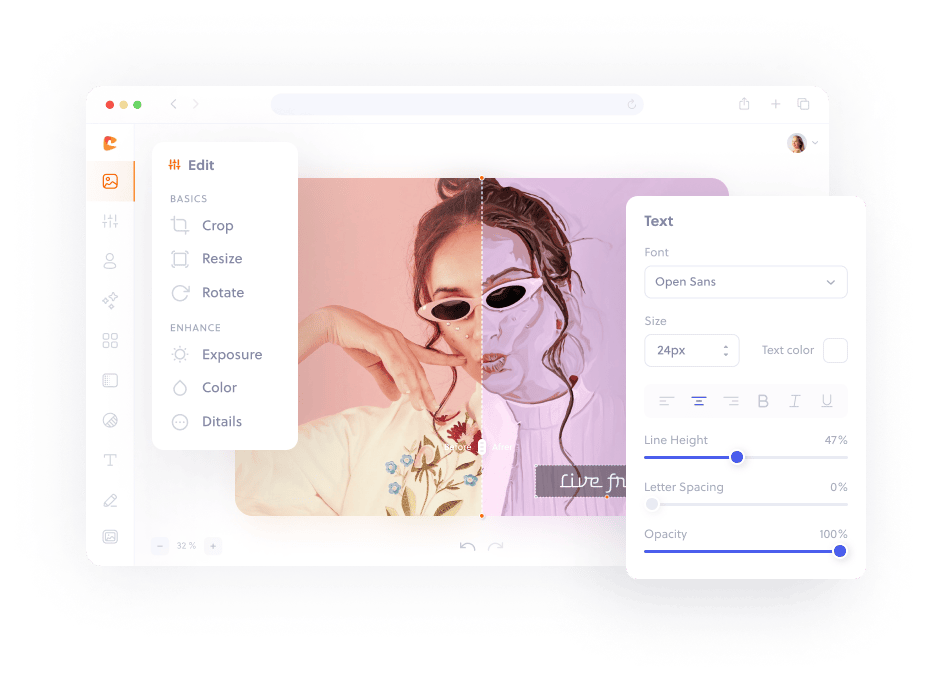
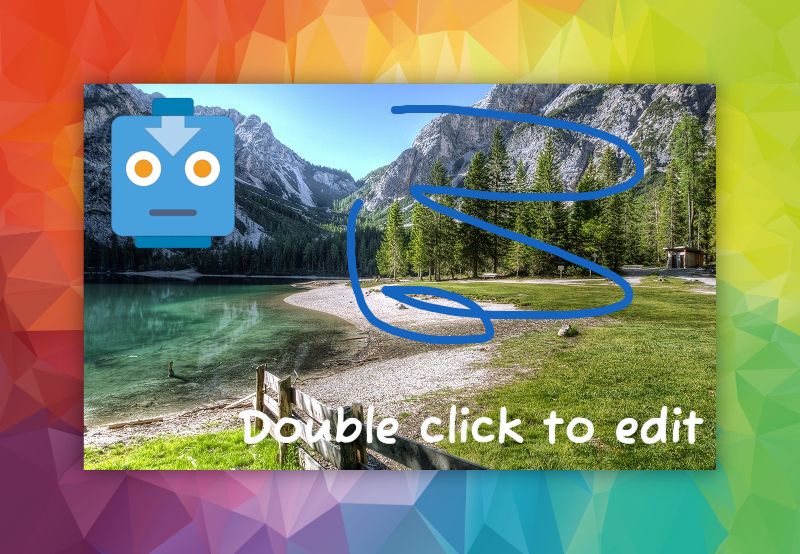
Crop, resize, retouch, add text, draw, apply filters, and export JPG or PNG images from the browser.
Browser Creative Suite
Edit photos, remove simple backgrounds, create social designs, and trim videos directly in your browser. Your uploaded media stays on this device for the local editing tools.
Crop, resize, retouch, add text, draw, apply filters, and export JPG or PNG images from the browser.
Use local color-based background removal for simple, high-contrast cutouts, product photos, and profile pictures.
Upload clips, trim start and end, add captions, change aspect ratio, apply looks, save frames, and export WebM locally.
Start with Instagram, TikTok, YouTube, LinkedIn, Facebook, Pinterest, and X presets that open at the right design ratio.
Open the editor on desktop, tablet, or mobile and keep working without downloading a design app.
Photo and video exports are added to recent projects on this device so users can get back to work quickly.
Use quality controls for images and browser-supported video rendering, with clear fallbacks where a server is required.
Core photo, collage, and video editing runs in your browser. Template discovery uses a server-side media provider proxy.
Open the photo editor, video editor, collage maker, background remover, or a social-size preset.
Upload media and use the controls available in your browser. Unsupported operations are labelled clearly.
Choose a supported format, render your result, and keep a recent-project preview on this device.