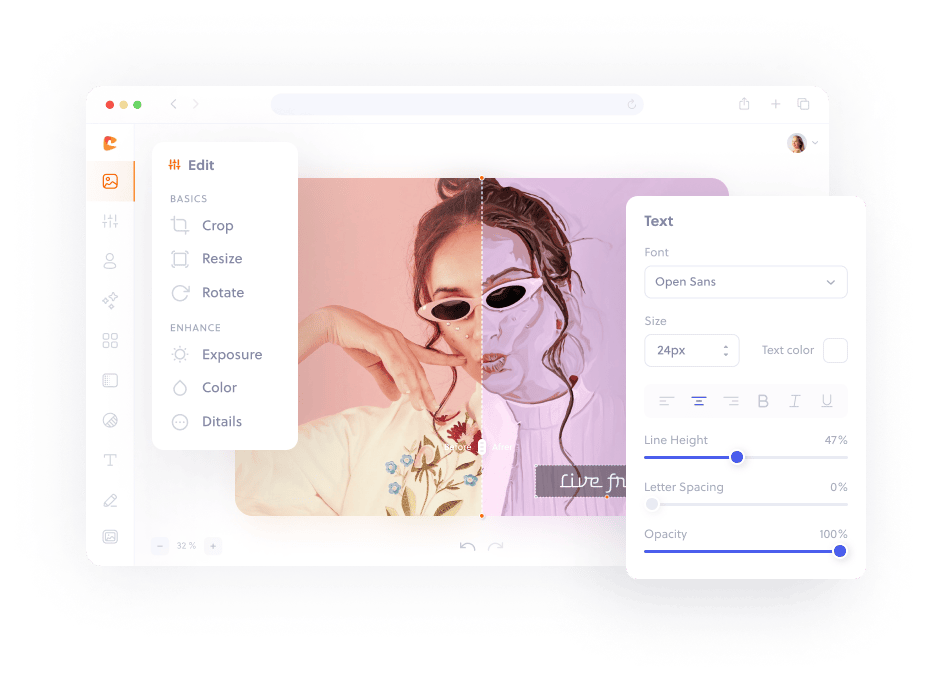
An AI photo editor can shorten repetitive work, but it does not remove the need for a clear editing goal. The best workflow uses automation for a useful first pass and manual controls for decisions that affect accuracy, composition, and brand consistency.
Tasks AI can accelerate
AI-assisted tools are commonly used for subject detection, background separation, noise reduction, upscaling, object cleanup, and automatic color suggestions. These operations can save time when the source is complex or when many similar images need an initial treatment.
Every generated result still needs inspection. Subject detection may omit loose hair or transparent materials. Enhancement may invent texture, smooth skin excessively, or change product color. Object cleanup can replace an area with content that looks convincing at a glance but fails under closer review.
Decisions that need human control
Crop, hierarchy, readable typography, accurate color, and final export requirements depend on context. A machine cannot know whether a subtle shadow is a defect, part of the product, or essential to the mood. It also cannot guarantee that a generated visual matches a real event or item.
Use the online photo editor for deterministic crop, resize, rotation, color, text, drawing, and export controls. When a real AI endpoint is available, use it as one stage in that broader workflow rather than treating its output as automatically final.
A reliable AI editing workflow
- Keep an untouched original.
- Define the destination and required dimensions.
- Apply one AI-assisted operation at a time.
- Compare the result with the original at 100 percent.
- Correct crop, color, text, and spacing manually.
- Export once in the required format.
Avoid uploading confidential images to an external AI service without reviewing its privacy and retention policy. For local browser adjustments, files can remain on the device. A professional AI photo-editing workflow is transparent about which processing is local, which step uses a server, and what the user should verify before download.